


Good quality icons and images, especially ones with an alpha transparency can be time consuming to make, and are often also hard to find. One source of lots of high quality icons in a range of sizes is Windows. Windows 7 includes lots of icons which can be useful as the majority are available in sizes from 16×16 up to 256×256, and come with alpha transparency. You may have noticed that we use some on our downloads page — they’re handy to quickly indicate file type. Windows stores most of its icons inside exe and dll files which makes them inaccessible to standard image manipulation applications like Photoshop. However, once they have been located they can easily be extracted with the freeware utility IcoFX. Tracking some of them down seems to be the trickier part. Below is a quick reference for the locations of many of the icons available on Windows 7. I will periodically add more details and any extra icon libraries I discover to this list.
IcoFX can be used to extract the images. It supports all icon sizes, from 16×16 up to 256×256. It supports the full range of colour depths — 8bit, 16bit and 32bit. It also supports alpha transparency. Icons can be extracted to bmp, jpg, png, gif and jp2. IcoFX 2 is freeware. More details are available on the [intlink id=“741” type=“page”]downloads[/intlink] page.
Locations of common windows icons
| File Type | Associated Extensions | Built-in? | Location |
|---|---|---|---|
| Audio | |||
| MP3 | mp3 | yes | %windir%\system32\wmploc.dll 60 |
| Free Lossless Audio Codec | flac | no | Included in FLAC |
| Raw Wave File | wav | yes | %windir%\system32\wmploc.dll 62 |
| Ogg Vorbis | off | no | Included in Xiph Codecs |
| Midi | mid | yes | %windir%\system32\imageres.dll 18 |
| Monkey’s Audio | ape | no | Included in Monkey’s Audio |
| Apple Lossless | alac ale | no | Included in Itunes / Quicktime |
| Video | |||
| Matroska | mkv mka | no | Download from DeviantArt |
| Windows Recorded TV | wtv | yes | %windir%\system32\sberes.dll 0 |
| Audio-Video Interleave | avi | yes | %windir%\system32\wmploc.dll 59 |
| Motion Picture Experts Group | mpg mpeg | yes | %windir%\system32\wmploc.dll 61 |
| Flash Video | flv | no | Included in Adobe Flash Player |
| Windows Media Video | wmv | yes | %windir%\system32\wmploc.dll 64 |
| Apple Movie | mov | no | Included in Itunes / Quicktime |
| Image | |||
| Joint Picture Experts Group | jpg jpeg | yes | %windir%\system32\imageres.dll 68 |
| Portable Network Graphic | png | yes | %windir%\system32\imageres.dll 79 |
| Bitmap | bmp | yes | %windir%\system32\imageres.dll 66 |
| Graphics Interchange Format | gif | yes | %windir%\system32\imageres.dll 67 |
| Tagged Image File Format | tif tiff | yes | %windir%\system32\imageres.dll 160 |
| Photoshop Image | psd | no | Included in Adobe Photoshop |
| Paintshop Pro Image | psp pspimage | no | Included in Corel Paintshop Pro |
| Scalable Vector Graphics | svg | no | Unknown |
| Web | |||
| HyperText Markup Language | html htm | yes | %windir%\system32\ieframe.dll 10 |
| PHP Hypertext Preprocessor | php | yes | Included in DreamWeaver |
| Extensible Markup Language | xml | yes | Included in DreamWeaver |
| Cascading Style Sheets | css | yes | Included in DreamWeaver |
| Java Archive | jar | no | Included in Java |
| JavaScript | js jscript | yes | %windir%\system32\wscript.exe 4 |
| VB Script | vbs | yes | %windir%\system32\wscript.exe 3 |
| Really Simple Syndication | rss | yes | %windir%\system32\ieframe.dll 66 |
| Documents | |||
| Plain Text | txt | yes | %windir%\system32\imageres.dll 98 |
| Microsoft Word | doc docx | no | Included in Microsoft Office |
| Microsoft Excel | xls xlsx | no | Included in Microsoft Office |
| Microsoft Powerpoint | ppt pptx | no | Included in Microsoft Office |
| Microsoft Publisher | pub pubx | no | Included in Microsoft Office |
| Adobe Portable Document Format | no | Included in Microsoft Office | |
| Compression | |||
| Rar Archive | rar | no | Included in WinRAR |
| Zip Archive | zip | no | Included in WinZIP |
| 7Zip Archive | 7z | no | Included in 7Zip |
| Other | |||
| HTML Help | hlp | yes | %windir%\hh.exe 0 |
| Executable | exe | yes | %windir%\system32\imageres.dll 12 |
| Initialisation / Configuration File | ini | yes | %windir%\system32\imageres.dll 65 |
| Setup Information File | inf | yes | %windir%\system32\imageres.dll 65 |
| Dynamic Link Library | dll | yes | %windir%\system32\imageres.dll 63 |
| Home / House | yes | %windir%\system32\ieframe.dll 0 | |
| 16bit DOS Command Script | cmd bat | yes | %windir%\system32\imageres.dll 64 |
| Registry Fragment | reg | yes | %windir%\system32\regedit.exe 2 |
| True Type Font | ttf | yes | %windir%\system32\imageres.dll 150 |
| Microsoft Installer | msi | yes | %windir%\system32\imageres.dll 163 |
Reference list of Windows Icons contained in dll and exe icon libraries
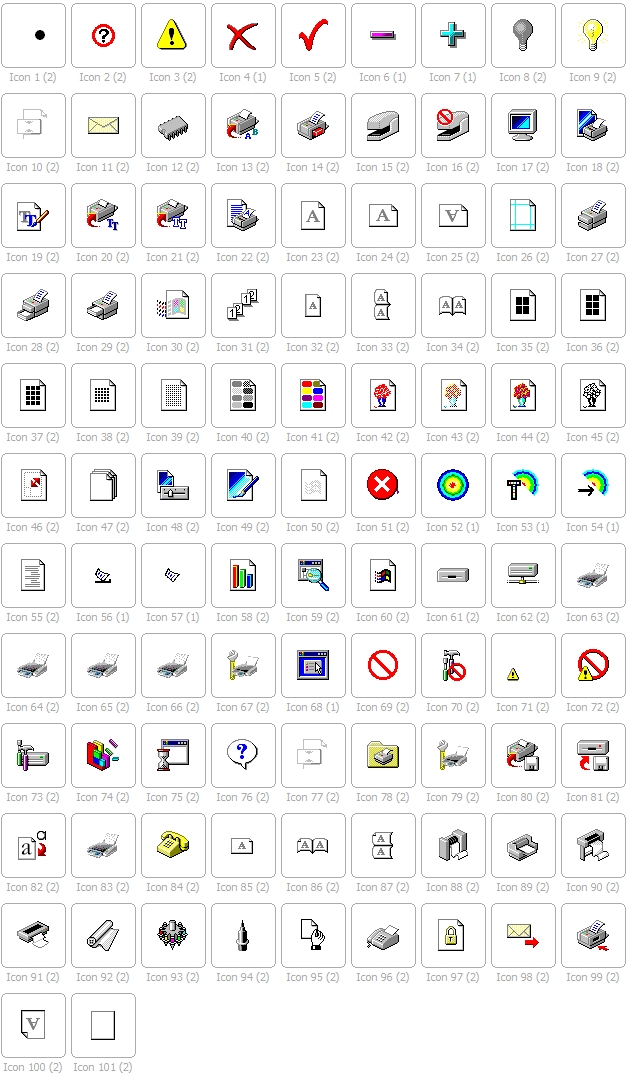
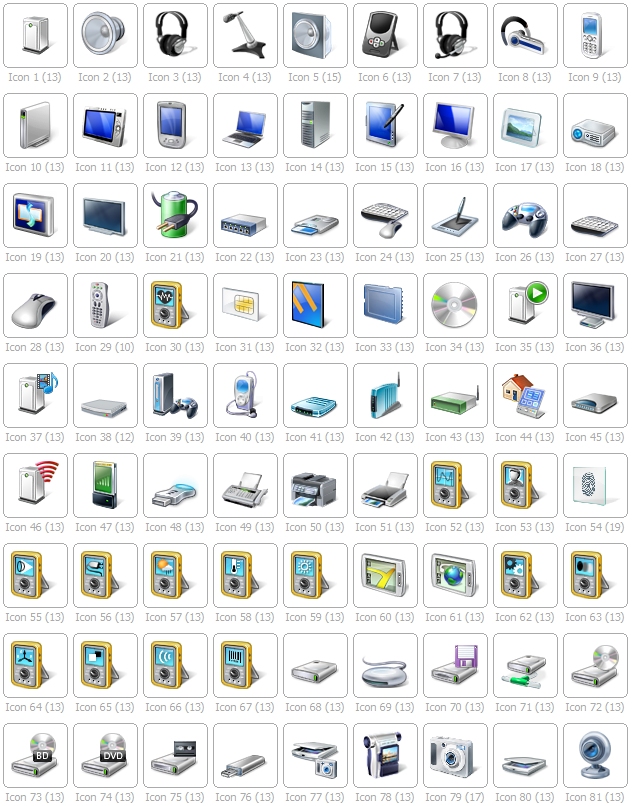
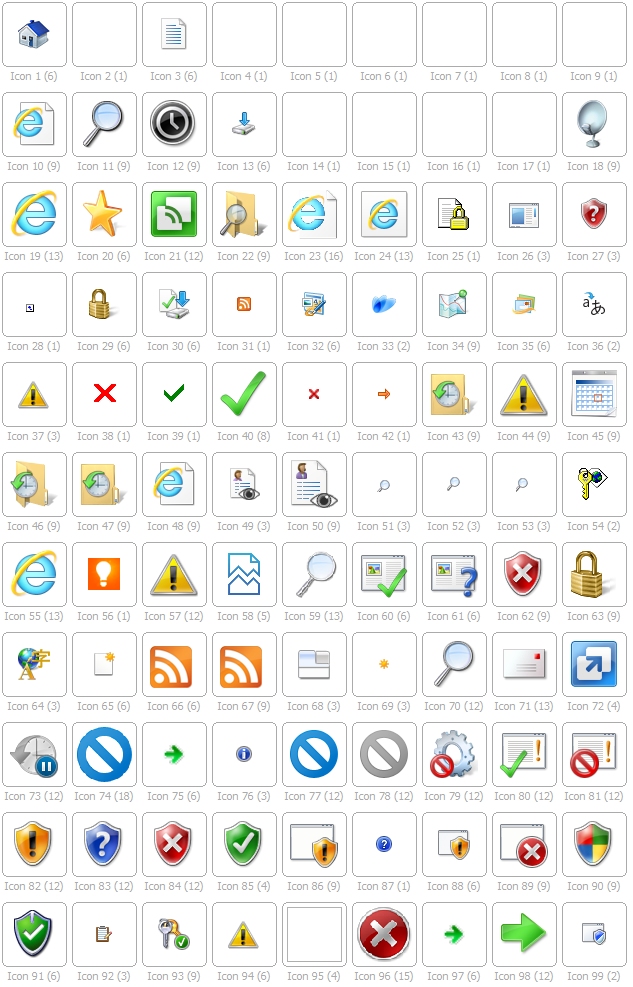
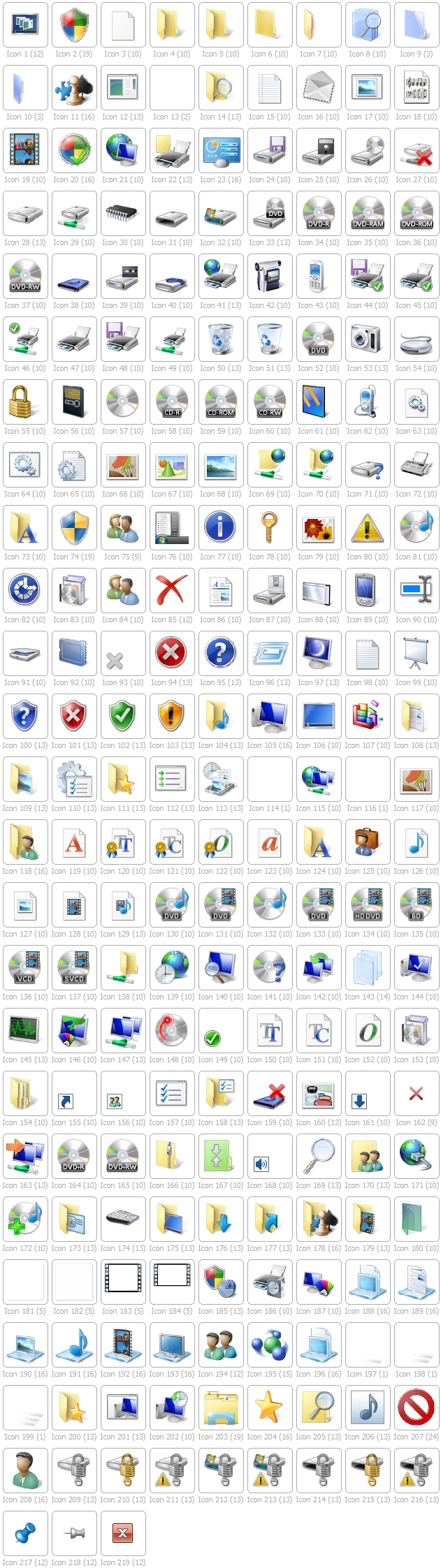
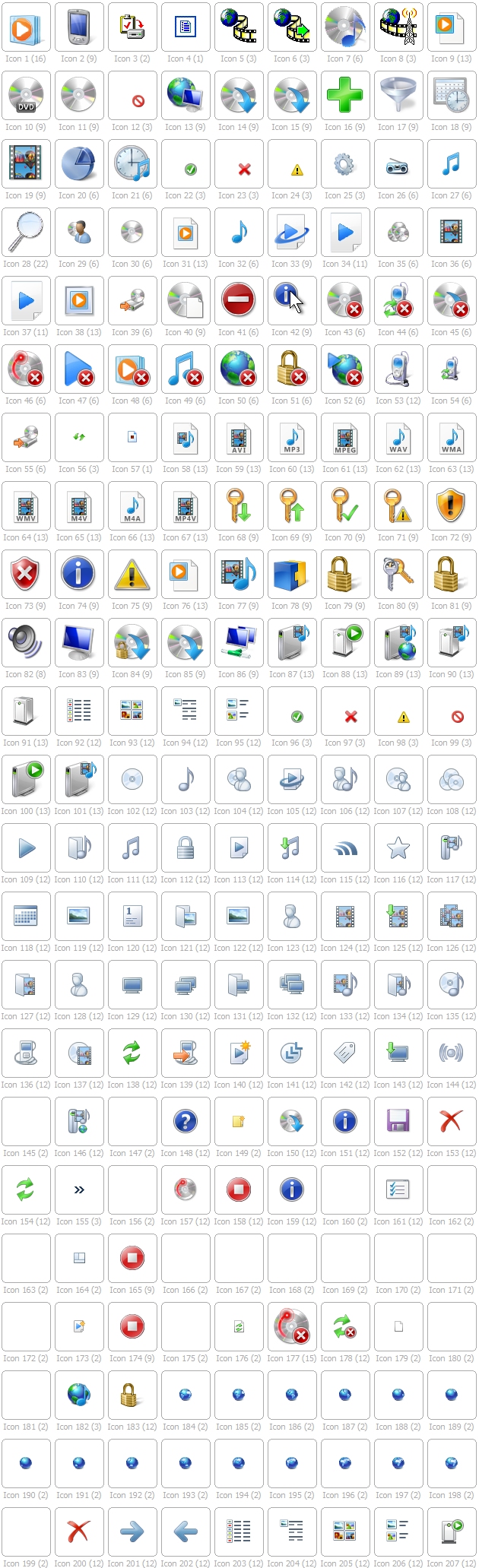
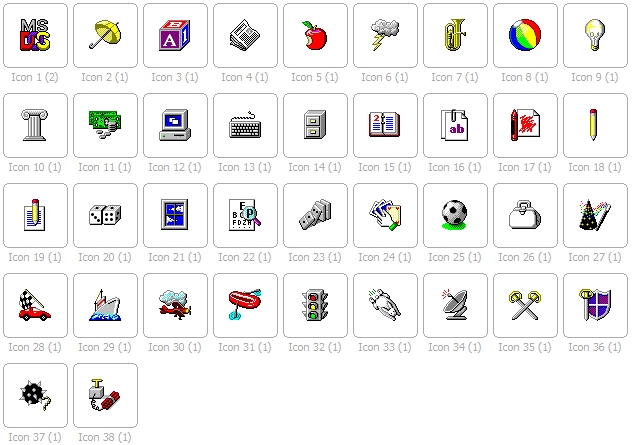
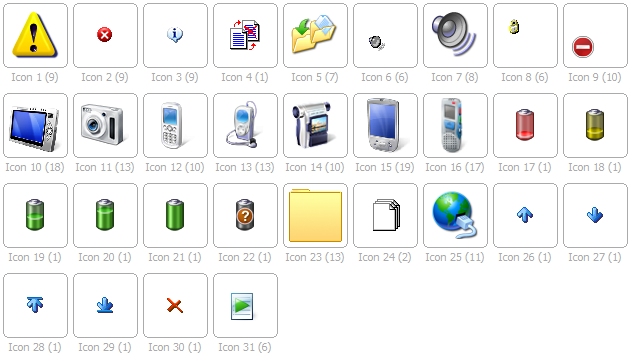
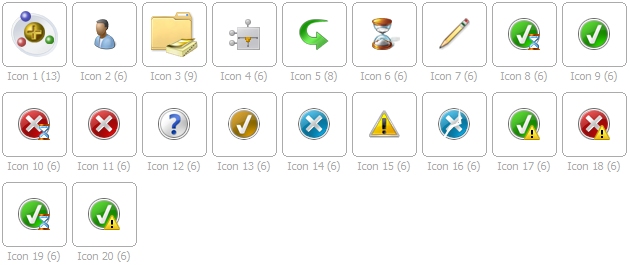
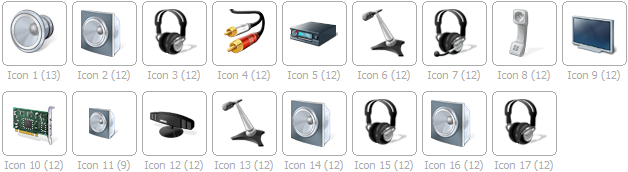
The numbers below each icon refer to the icon number of the file, and the number in brackets indicates how many variants of the icon there are (there could be up to a theoretical maximum of 20, with different colour depths and sizes. All the icon screenshots shown below are of 32×32 icons in their highest available colour-depth.
%windir%\system32\compstui.dll (Common Property Sheet User Interface)
%windir%\system32\ddores.dll (Device Category Information and Resources)
%windir%\system32\ieframe.dll (Internet Explorer)
%windir%\system32\imageres.dll (Windows Image Resource)
%windir%\system32\mmcndmgr.dll (Microsoft Management Console Node Manager)
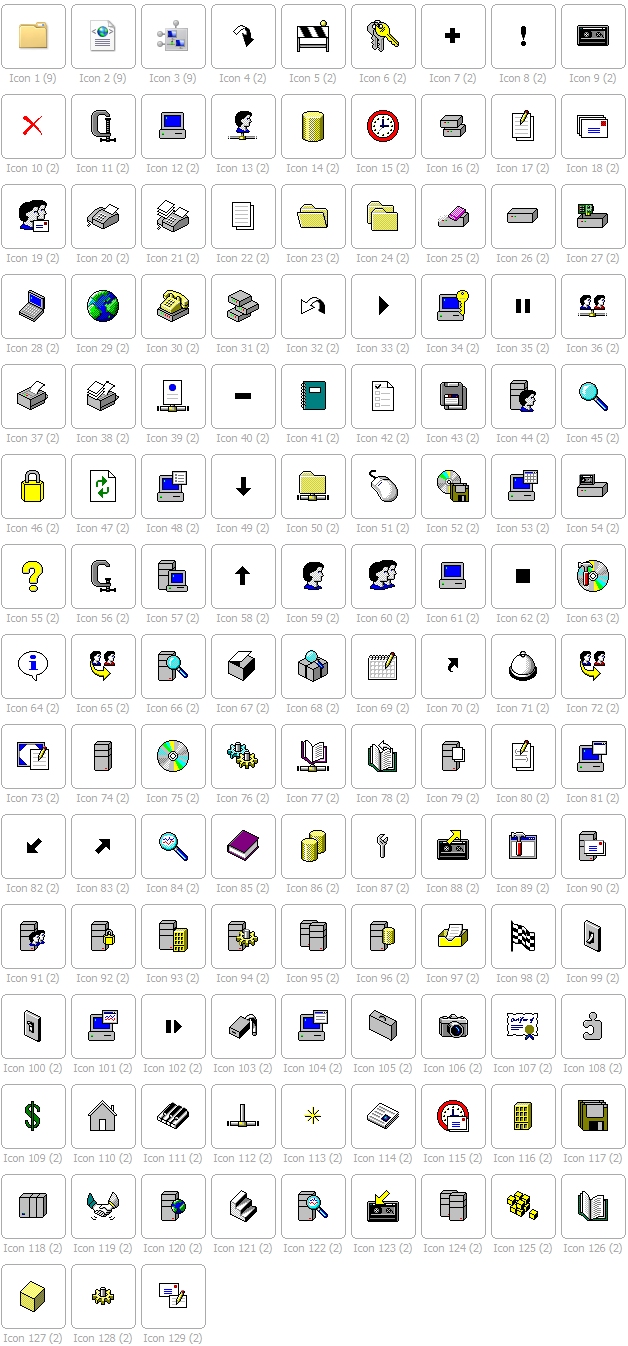
%windir%\system32\moricons.dll (Windows NT Setup Icon Resources)

%windir%\system32\netshell.dll (Network Connections Shell)
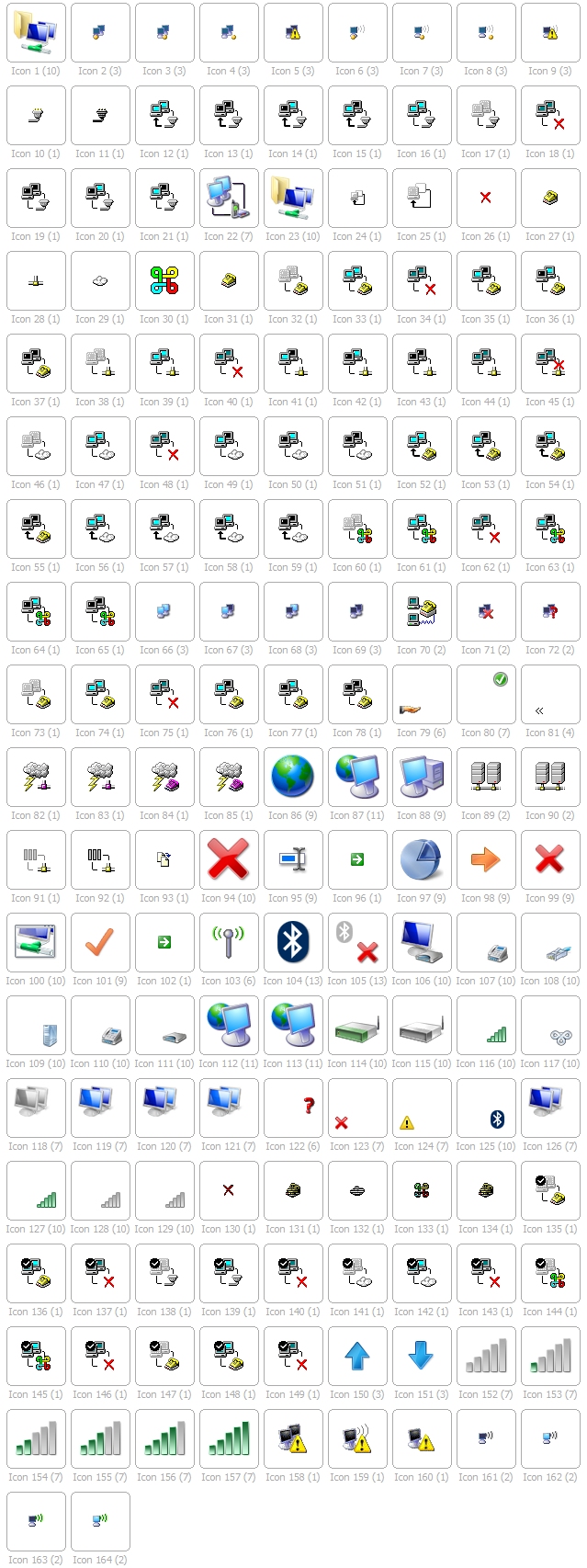
%windir%\system32\pnidui.dll (Network System Icons)
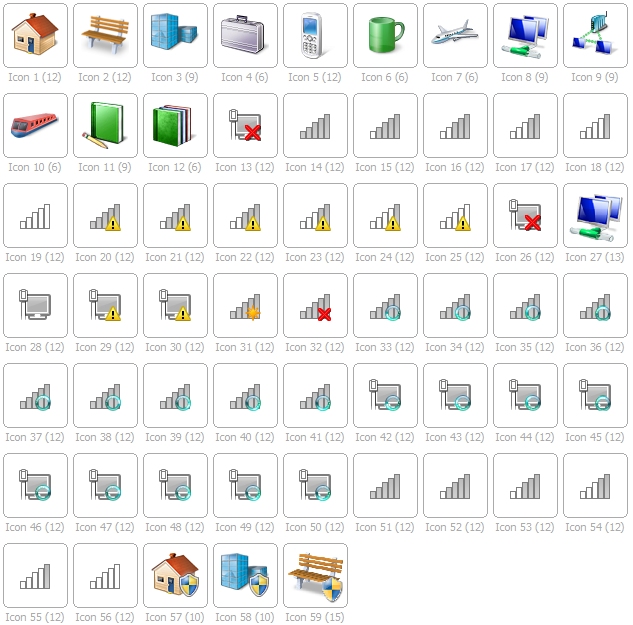
%windir%\system32\shell32.dll (Windows Shell Common)
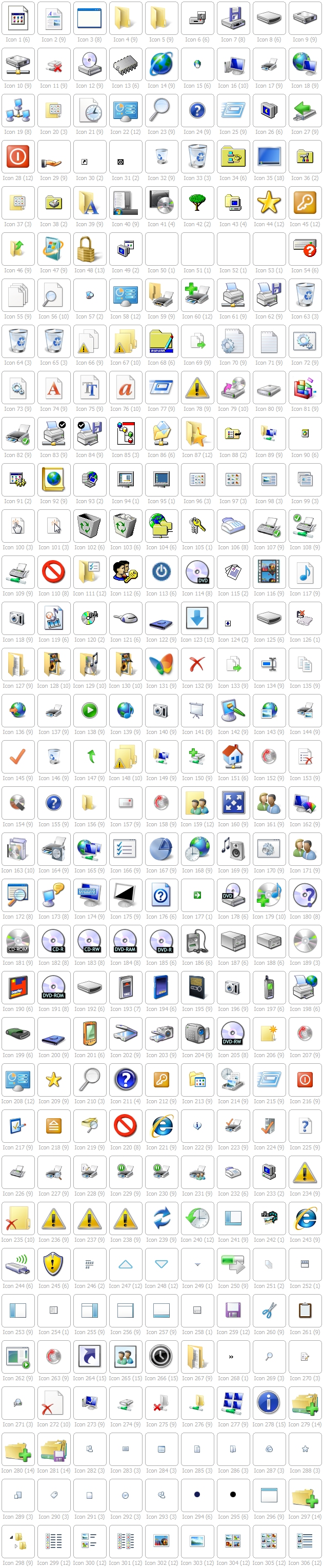
%windir%\system32\wmploc.dll (Windows Media Player Resources)
%windir%\system32\pifmgr.dll (Windows NT PIF Manager Icon Resource Library)
%windir%\system32\wpdshext.dll (Portable Devices Shell Extension)
%windir%\system32\comres.dll (COM+ Resources)
%windir%\system32\dmdskres.dll (Disk Management Support Snap-In)
%windir%\system32\dsuiext.dll (Directory Service Common UI)
%windir%\system32\inetcpl.cpl (Internet Control Panel)
%windir%\system32\mstsc.exe (Remote Desktop Connection Client)
%windir%\system32\mstscax.dll (Remote Desktop Services ActiveX Client)
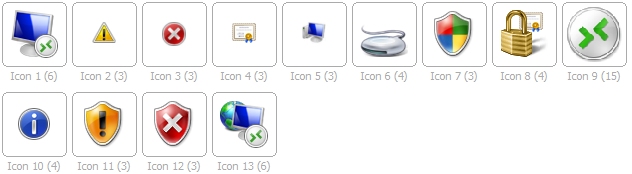
%windir%\system32\setupapi.dll (Windows Setup API)
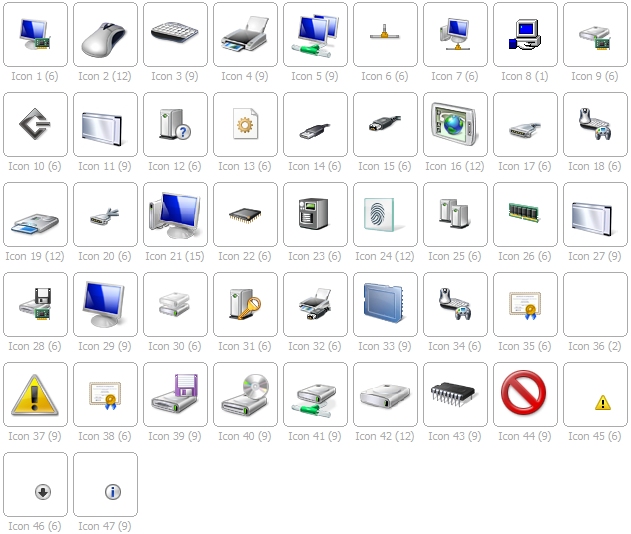
%windir%\system32\shdocvw.dll (Shell Doc Object and Control Library)

%windir%\system32\urlmon.dll (OLE32 Extension for Win32)
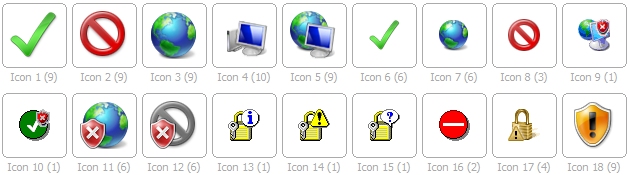
%windir%\system32\wiashext.dll (Imaging Devices Shell Folder UI)
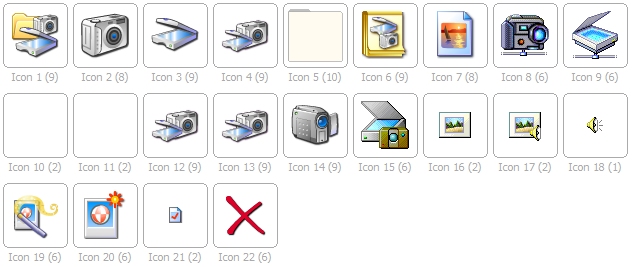
%windir%\system32\mmres.dll (General Audio Resources) — Thanks to Marek Podgorny (see comments below)






Hallo,
ich habe für Windows 10 etwas gemacht, daß vielleicht jemanden interessiert:
Ikonen + Ordnerikonen geänder mittel ExtMan und CustomizerGod
Hierzu habe ich ein Script für den automatischen Import..
Bei Interesse, einfach melden. Ich schicke es dann rüber.
Gibt es auch eine Liste mit ICONS von allgemeiner Bedeutung wie z.B für Strom und Gas, Banken, Versicherungen, Autos etc.
Hi Wolfgang
This article only has windows built-in icons. So if it doesn’t have icons for something they wont be included here
nice but cmd prompt icon is wrong: imageres.dll 64 as you show below is something else. I only find it in cmd.exe or conhost.exe but don’t know the ID
Hi.
This article was written in 2011 and was based on Windows 7. All the details are correct as of that time. It might be that Microsoft have changed a few things in the 9 years since and that have with much else in Windows 10.
Es gibt noch einen kleinen Fehler:
nicht
%SystemRoot%\system32\inetcpl.dll
sondern
%SystemRoot%\system32\inetcpl.cpl
Sonst super — Vielen Dank
Erstklassige Übersicht!
Bitte diese Zeile korrigieren: %windir% system32 inetcplc.dll (Internet Control Panel)
Richtig ist (Win7 und Win8): %windir% system32 inetcpl.cpl (Internet Control Panel)
Is it normal for some of them to “not work?” I’m on Windows 10 and my folder icons do not change when i pick and apply icons from specific .dll files while others work just fine.
I like your icons. but the Windows 8 I would like to kill and eat.
achète un arc et des flèches
Nice I Really Can See all Links to Find Those Icons Thanks For The Help
bravo du très beau travail merci beaucoup!!!!
Great job presenting the list in such an organised manner, leaving no query. Thanks guys.
Thanks a lot for a great overview of Windows Icons, your post helped me a lot.
Thank you!
There’s also the grey router icon in C:\Windows\System32\icsigd.dll
(on Windows 8.1)
Cheers for sharing — every extra location might have just the right icon for someone 🙂
On Win8.1 the bluetooth icon has much better resolution in
C:\Windows\System32\bthudtask.exe, 1
though the one used in the tray item “Bluetooth Devices” is really
C:\Windows\System32\bthprops.cpl, 3
I’ve tried the one from
C:\Windows\system32\netshell.dll, 104
but it becomes very distorted in tray.
Thankyou, VERY useful information, spares me much time
Very handy reference. Thanks!
great — thanks a lot
Thanks for displaying the icons — very useful to know where to look for specific icons.
Thanks. I didn’t want to post individual icons with their transparency as I think that’s pushing the copyright side of things too far but anyone with Windows on their PC can now grab the icons themselves easily enough 🙂
How do you get the icons extracted from the .DLL file?
Download IcoFX 2 (version 3 is no longer free) from our download page and install that. Go to file: open, and change “files of type” to “windows binary”. Then select the .dll file of choice. In the window that appears select the icon you want to extract and click the extract button. In that new window (the icon itself) select the size you want from the left hand column, right click on it, and select “export image”. I’d change the save as filetype to PNG, but it’s up to you — then just save it.
What an AWESOME work! Thanks for doing this
No problem, thanks for your comment.
Actually the “imageres.dll” I got shifted (Show desktop Icon is 105 not 106 :))
Numbering starts from 0, so it didn’t shift.
A file you haven’t mentioned is mmres.dll, which contains media icons.
Cheers for your comments Marek — I’ve added details of mmres.dll. You’re also correct that numbering starts from 0 — thanks for pointing that out 🙂
I found some dlls and exe files with icons in them, e.g. zipflrdr.dll
There are others if you go looking in the system32 folder.